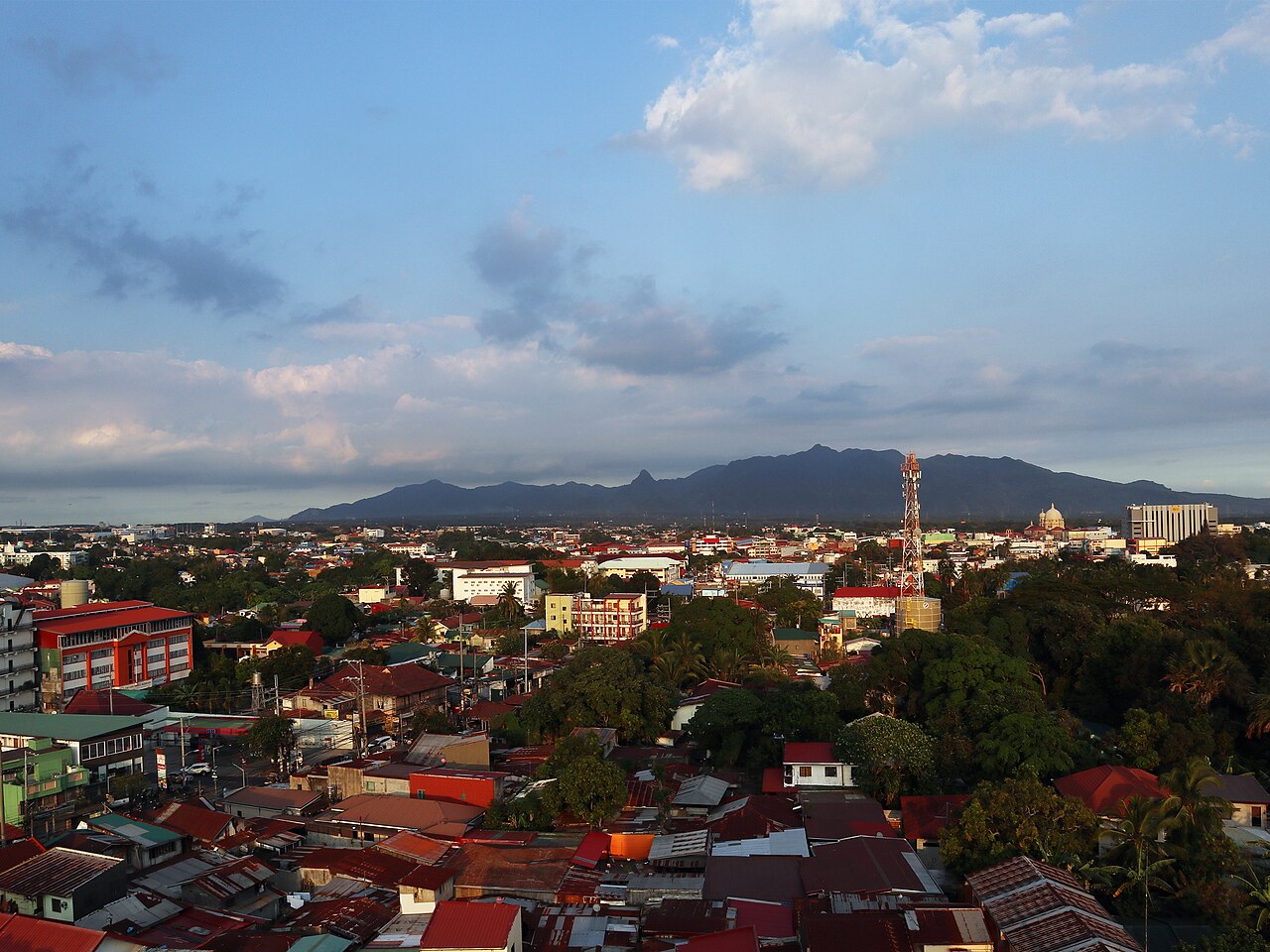
Serving Lipa City, Batangas
Report emergencies in seconds. Help knows exactly where.
ResQ-Lipa lets residents report emergencies and incidents from their phone with photos and an exact map pin. Each report goes straight to the barangay where it happened, officials track it until it is resolved, and the city sees every incident on one live map.
- Free for residents
- No approval wait
- Covers all of Lipa City


What it does
Everything a report needs to reach the right people
Report in seconds
Tap a category (fire, accident, medical, crime, traffic or disaster), describe what is happening and send. Photos are optional.
Exact location
GPS fills in where you are, or drop a pin on the map. Locations are kept within Lipa City so every report is actionable.
Routed automatically
The report goes to the barangay where the incident is, not where the reporter lives, and its officials are notified right away.
Live status updates
Pending, Reviewing, Resolved: residents get a notification each time officials move their report forward.
Citywide picture
Officials and city staff see incidents on a live map with filters, analytics and exportable reports.
Built-in screening
Reports are categorized automatically and possible false reports are flagged for an official to review.
App tour
One app, built for both sides of a report
Your location, the six emergency categories and your latest reports on one screen.
Category, description, GPS or map pin, and photos from the camera or gallery, with a 911 shortcut at the top.

Get notified the moment officials start reviewing or resolve your report.
Swipe to see more →


How it works
From report to resolved
-
1
Sign up
Create an account in the app and confirm your email. You can report right away.
-
2
Send a report
Choose a category, describe what is happening, add photos and pin the spot.
-
3
Officials respond
The barangay where it happened is notified and starts reviewing.
-
4
Track to the end
Follow the status until the incident is marked resolved.
Why ResQ-Lipa
One place for every incident in the city
Incidents in Lipa City reach responders through many different channels: phone calls, walk-ins, messages and public social media posts. Reports end up scattered, often without an exact location, and there is no single record of what happened, where, and whether it was handled.
ResQ-Lipa brings reporting into one system. Every report arrives with a pinned location and a clear category, goes to the barangay that can act on it, and is tracked from start to finish, giving the city the data it needs to spot patterns and plan ahead.

Built for trust
Open to everyone, accountable for every report
Accountable accounts
Every resident account has a confirmed email and a valid ID on file, so misuse can be traced back to its source.
Screened reports
Each report is checked automatically. Suspicious ones are flagged, and an official always makes the final call.
Privacy first
Reporter details are only visible to the officials handling the report, in line with the Data Privacy Act (RA 10173).
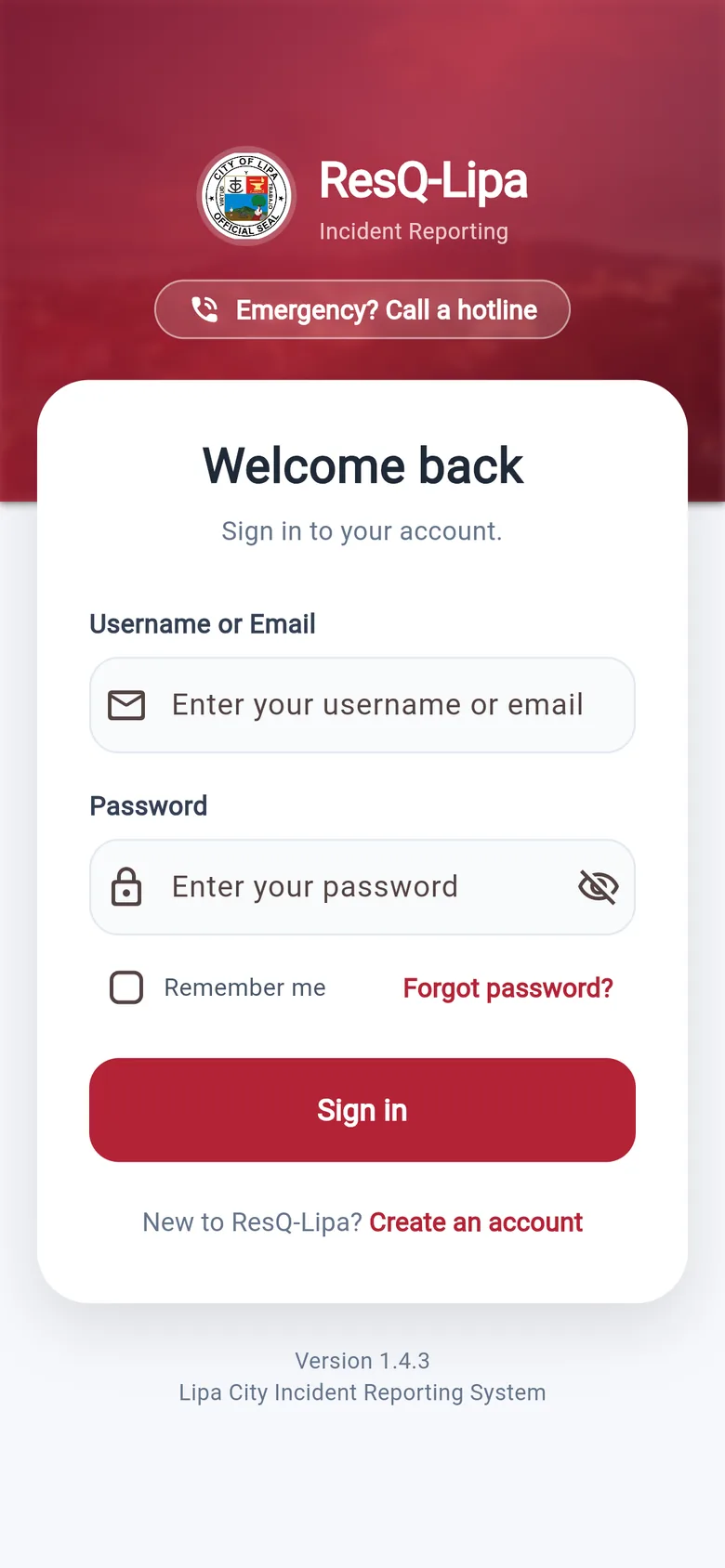
Get ResQ-Lipa on your phone
Sign up in minutes and keep emergency reporting and hotlines one tap away. Free for everyone in Lipa City.
In immediate danger? Call first.
Call 911 right away, then send a report once you are safe.